
One of the first questions many business owners ask when planning a new website is, “What pages do I actually need?”
Most business websites should include at least a Home page, About page, Services page and Contact page. Depending on your business, you may also benefit from FAQs, testimonials, a portfolio, case studies, a blog or an ecommerce section.
The right pages help customers find the information they need while making your website easier for search engines and AI-powered search platforms to understand.
1. Home Page
Your Home page creates your first impression and should immediately explain:
- Who you are.
- What your business does.
- Who you help.
- Why customers should choose you.
- How visitors can contact you.
A good Home page acts as the starting point for the rest of your website.
2. About Page
Customers like doing business with companies they trust.
Your About page should tell visitors:
- Your story.
- Your experience.
- Your values.
- Who you work with.
- Why your business exists.
You don’t need to write your life story—simply give customers confidence that they’re dealing with the right business.
See how LoveLocal presents its About Us page.
3. Services or Products Page
Your services or products deserve more than a short paragraph on your Home page.
Each service should clearly explain:
- What it is.
- Who it is for.
- The benefits.
- Frequently asked questions.
- How customers can get started.
LoveLocal follows this approach throughout its services section, giving each core service its own dedicated page.
4. Contact Page
Never make customers search for your contact details.
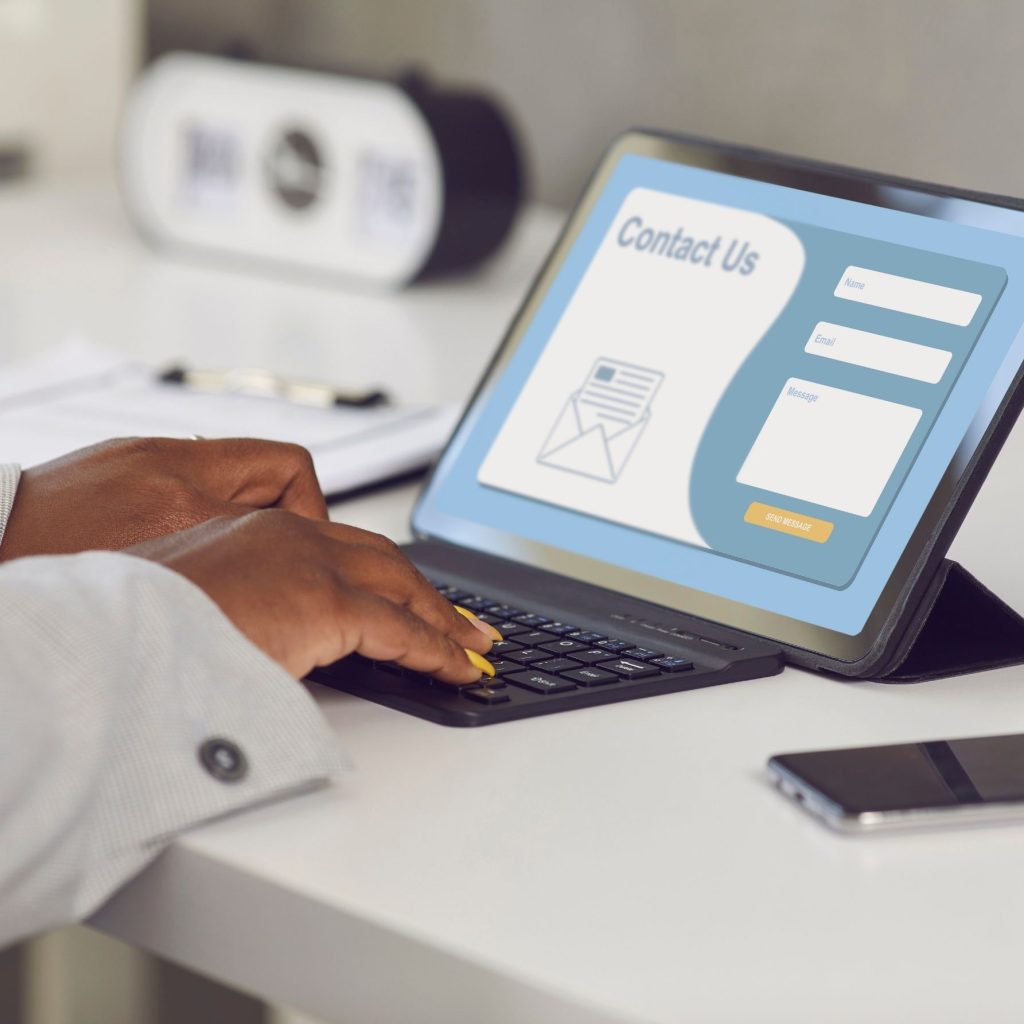
Your Contact page should include:
- Telephone number.
- Email address.
- Contact form.
- Business locations (where relevant).
- Clear call to action.
A simple, easy-to-use Contact page can improve enquiries significantly.
5. Frequently Asked Questions (FAQ)
FAQs are valuable for both customers and search engines.
They answer common questions before customers need to ask them and create additional opportunities to appear in search results.
A useful FAQ section should answer genuine customer questions—not marketing slogans.
LoveLocal’s FAQs cover website design, ecommerce, branding, marketing content and the overall process.
6. Portfolio or Gallery
If your business creates work that can be shown visually, a portfolio builds confidence.
Examples include:
- Website projects.
- Branding.
- Graphic design.
- Photography.
- Construction projects.
- Interior design.
Showing real work helps potential customers understand your capabilities.
7. Testimonials and Reviews
Customer reviews provide social proof and help build trust.
Where possible, include:
- Real customer names.
- Company names.
- Google reviews.
- Short testimonials.
Authentic feedback often influences purchasing decisions.
8. Blog or Resource Centre
A blog allows you to answer customer questions, demonstrate expertise and improve SEO and Answer Engine Optimisation (AEO).
Helpful articles can:
- Target search terms.
- Answer common questions.
- Support AI search platforms.
- Generate internal linking opportunities.
- Keep your website growing over time.
This is exactly why LoveLocal is investing in an educational blog—to help businesses while expanding its digital footprint.
Do All Businesses Need Every Page?
No.
A one-page website may be enough for some businesses, while others require dozens of pages.
The goal is not to have the most pages—it’s to have the right pages for your customers.
Building a Website That Answers Customer Questions
The best websites don’t just promote a business—they answer questions, solve problems and make it easy for customers to take the next step.
If you’re planning a new website or improving an existing one, contact LoveLocal. We’ll help you build a website with the pages your business actually needs.